
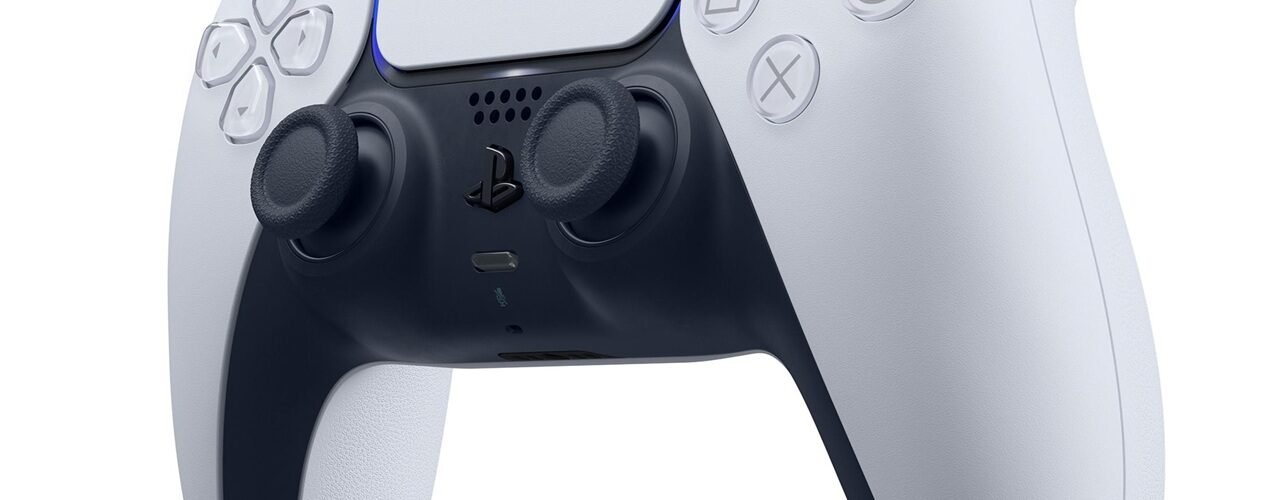
The PlayStation 5 uses the DualSense controller, which Sony claims is its best gamepad yet. Its design is sleek, featuring a black-and-white color scheme. It works well, feels comfortable in the hands, and the haptic feedback is one of the best features ever introduced in a gaming controller.
However, it does have a button-sticking issue. It doesn’t matter whether the controller is new or old—this is a problem that even new users can face. So, is there a fix for it? Can you stop the Circle, Triangle, X, and Square buttons on the DualSense from sticking?
This is mainly a manufacturing-related issue, so there isn’t a permanent fix. However, there is a temporary solution you can try. Use a can of compressed air and spray it into the small gaps around the affected button. This can help remove dirt or debris particles that may be causing the issue.
If this solves your problem, you’re lucky. Opening the controller can be difficult, and you might even end up damaging it. Also, in games like Demon’s Souls or The Witcher 3, you often need to press buttons repeatedly during intense fights. This can trigger the sticking issue again, so try to avoid pressing the face buttons too hard. It may sound obvious, but keeping this in mind can help prevent the problem from returning.