
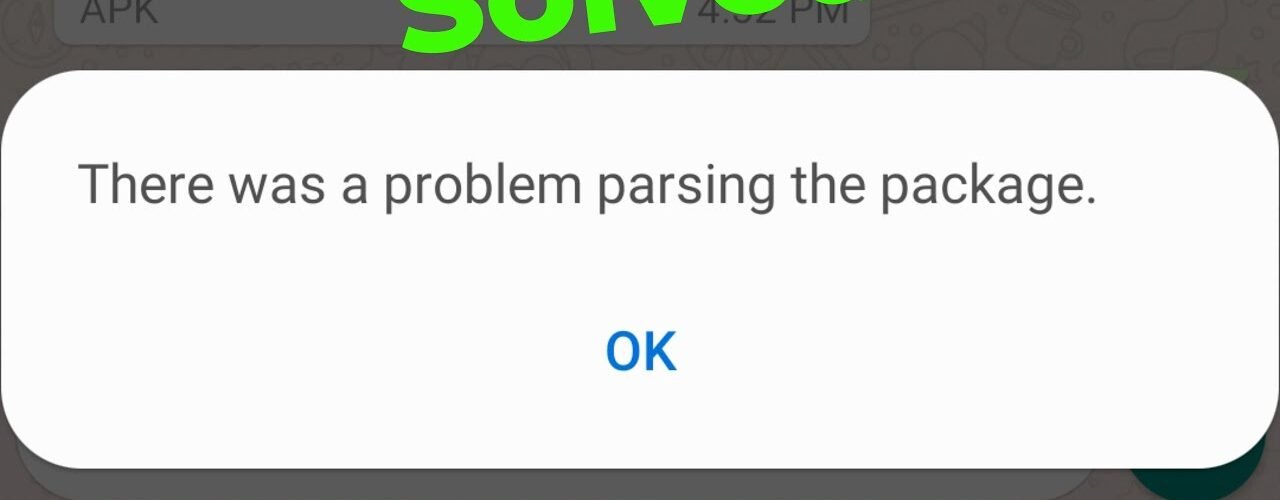
I ran into this error while installing an APK, and honestly, it’s confusing at first. The message doesn’t tell you much — just:
“There was a problem parsing the package”
After testing a few things, I figured out what actually causes it and how to fix it quickly.
What This Error Really Means
In simple words, your phone is unable to read or install the APK file.
That usually happens because:
The file is broken
The app isn’t compatible
Or Android is blocking it
Fix 1: Download the APK Again
This is the first thing you should try.
Sometimes the APK file:
didn’t download properly
got corrupted
or was incomplete
What to do:
Delete the file
Download it again from a trusted site
👉 This alone fixes the issue most of the time.
Fix 2: Check Your Android Version
Some apps only work on newer Android versions.
If your phone is older, the APK simply won’t install.
What to do:
Check your Android version
Try downloading an older version of the app
Fix 3: Enable Unknown Sources
If you’re installing an APK manually, Android might block it.
Steps:
Go to Settings
Open Security or Privacy
Enable Install Unknown Apps
Then try installing again.
Fix 4: The APK Type Might Be the Problem
Not all APKs are simple files anymore.
Some apps come as:
Split APKs
XAPK files
These won’t install normally.
What to do:
Use an APK installer app (like SAI)
Install through that instead
Fix 5: Turn Off Security Apps (Temporarily)
Sometimes your phone’s security or antivirus blocks the installation.
What to do:
Disable it temporarily
Install the APK
Turn it back on
Fix 6: Clear Package Installer Cache
If nothing else works, try this.
Steps:
Go to Settings → Apps
Find “Package Installer”
Clear cache and data
Then try again.
Fix 7: Try a Different Version of the App
Sometimes the version you downloaded just doesn’t work on your device.
What to do:
Download an older version
Install that instead
Final Thoughts
This error looks technical, but it usually comes down to just a few things:
Bad APK file
Wrong Android version
Installation blocked by settings
Start with re-downloading the file — that’s the fastest fix.